
Zoom Tanzania allows you to list your business as part of its extensive business directory, helping you reach thousands of potential local customers. To create an account, choose the “Employer or Company” option to gain access to the platform’s business tools. This selection gives you full access to both employer management tools and business directory marketing tools.
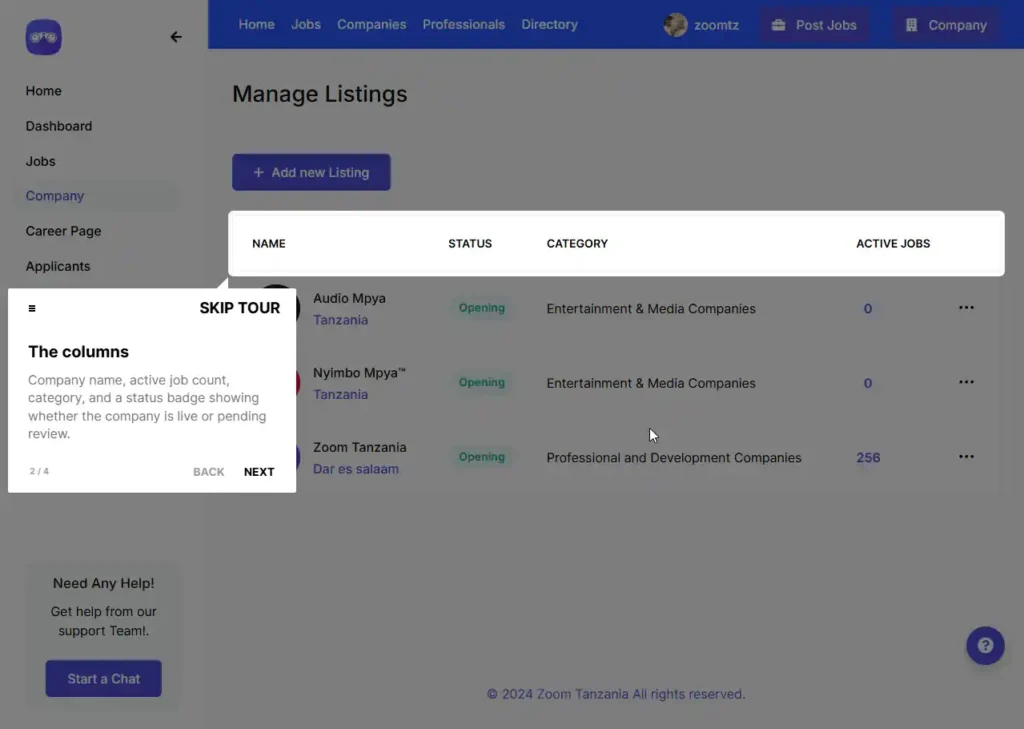
To list your business after creating an account, click “Company” on the left menu, then click “Add Listings” and fill out your company details using these steps:
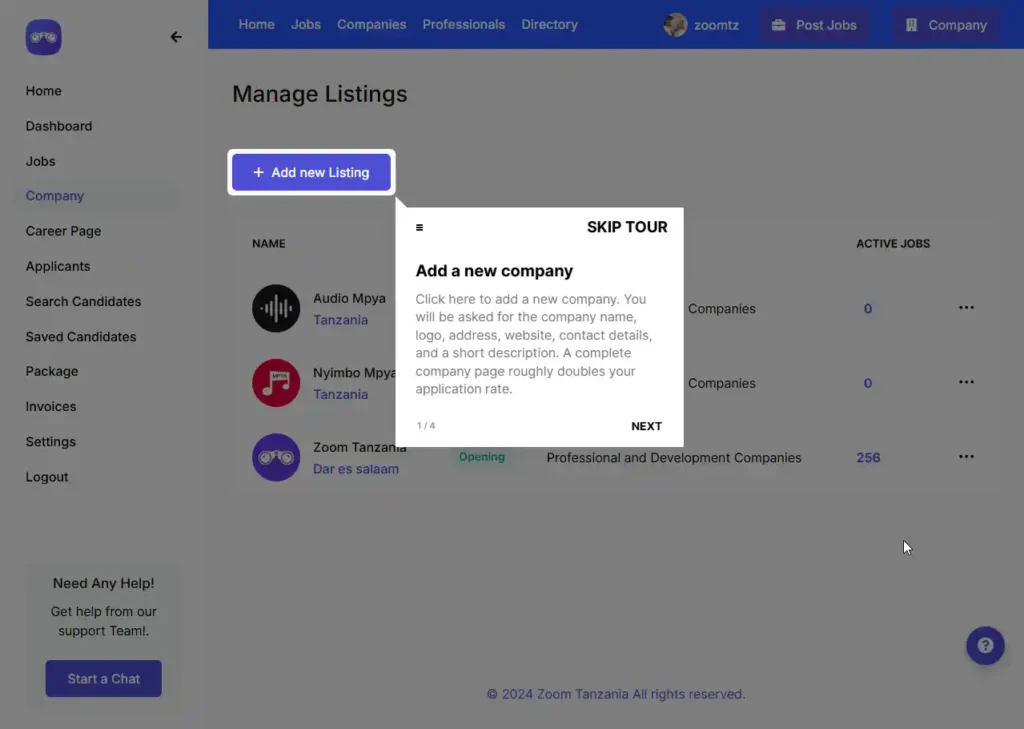
Step 1: Upload Your Branding
- Click Upload: Select the box under Logo.
- Check Size: Ensure files are under 1400kb.
Step 2: Enter Company Info
- Company Name: Type your full legal business name.
- Select Listing Group: Choose your primary business category.
- Request Group: Click the link if your industry is missing.
Step 3: Describe Your Business
- About Company: Write a comprehensive service description.
- Format Text: Use bold, italics, or lists.
- Keep Relevant: Highlight your unique selling points.
Step 4: Add Contact Channels
- Website Link: Paste full URL including https://.
- Social Links: Alternative Instagram or LinkedIn links accepted.
- Phone Number: Add your active customer helpline.
Step 5: Publish Your Form
- Review Fields: Look for red asterisk (*) requirements.
- Click Publish: Press the purple top-right button.
Wait for the platform team to review. Monitor your inbox for approval notifications, your business listings will be activates after passing verification.
Listing your business on Zoom Tanzania is a straightforward process that instantly expands your local digital footprint. By providing complete registration details, contact numbers, and clear service descriptions, you ensure your profile looks professional and trustworthy to new buyers. Keep your information updated regularly to get the best results from your new lead-generation tool.